



 Contact


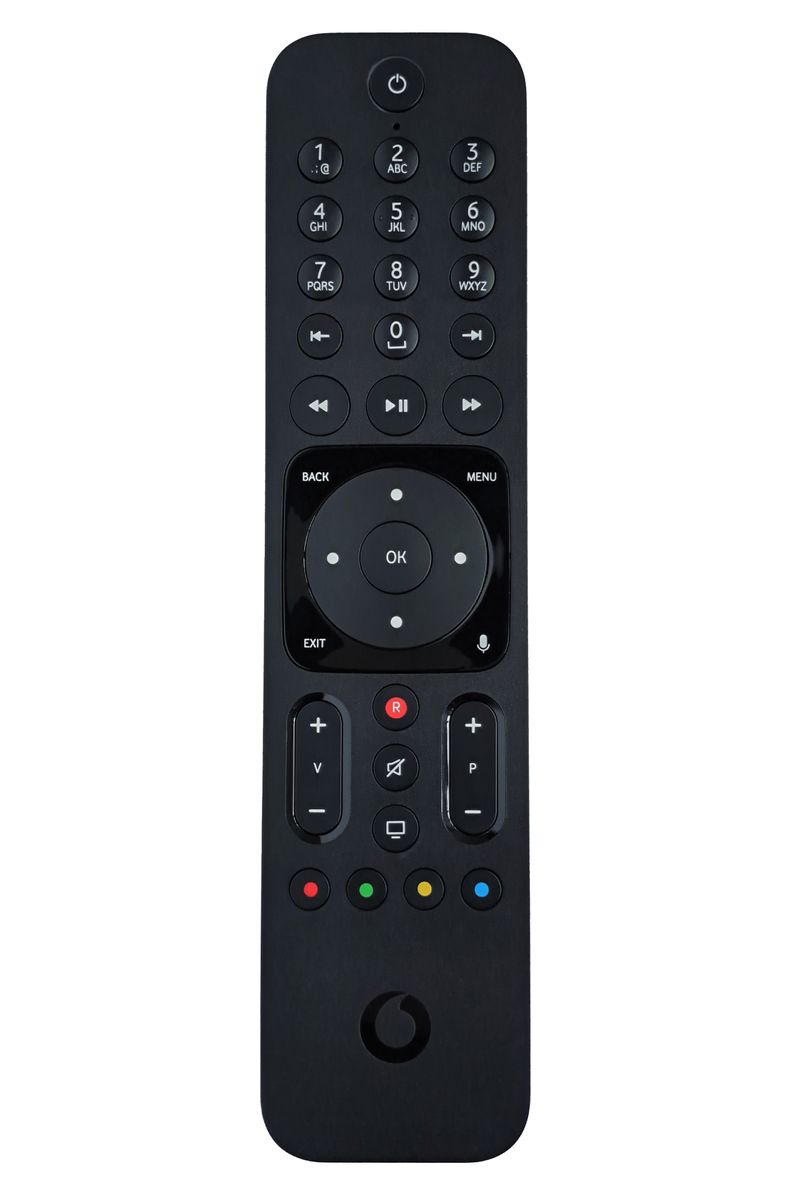
Brand Original remote control VODAFONE A224000 R327301A98-00016 Giga TV Cable Box 2 (A224000 R327301A9800016 Giga TV Cable Box 2).
It is intended for these models VODAFONE: PREMIUM VTV BOX, R3170301, R327301A98-00005, TV 4K. (There may not be listed all compatible models. If you are not sure, just tell us your device model (by online chat, email), we will promptly check, verify if compatible with your device. The verified compatibility is guaranteed by us.)
Pairing procedure:
- Turn on the television and the Vodafone TV set-top box.
- On the remote, simultaneously hold the yellow button + OK until the green indicator blinks twice.
- Once the green blinks, you can release the two buttons.
- Point the remote at the TV and continuously hold the Power button until the television turns off.
- Try turning the TV back on with the remote – if it responds, pairing is complete.
This is a RF (radio) remote control, therefore it needs to be paired with your device (all radio remote controls must be paired). The pairing method is described in the device manual, or we can send you the manual upon request via email.
VOICE CONTROL: YES


 Verified Purchase Heureka




Brand Original remote control VODAFONE A224000 R327301A98-00016 Giga TV Cable Box 2 (A224000 R327301A9800016 Giga TV Cable Box 2).
It is intended for these models VODAFONE: PREMIUM VTV BOX, R3170301, R327301A98-00005, TV 4K. (There may not be listed all compatible models. If you are not sure, just tell us your device model (by online chat, email), we will promptly check, verify if compatible with your device. The verified compatibility is guaranteed by us.)
Pairing procedure:
- Turn on the television and the Vodafone TV set-top box.
- On the remote, simultaneously hold the yellow button + OK until the green indicator blinks twice.
- Once the green blinks, you can release the two buttons.
- Point the remote at the TV and continuously hold the Power button until the television turns off.
- Try turning the TV back on with the remote – if it responds, pairing is complete.
This is a RF (radio) remote control, therefore it needs to be paired with your device (all radio remote controls must be paired). The pairing method is described in the device manual, or we can send you the manual upon request via email.
VOICE CONTROL: YES
Verified Purchase Heureka





Featured Products
Radio range extender for remote control IR signal integrated in the battery - UFON 433 MHz
General DUREMOTE 2 tailor made remote control with button printing on demand
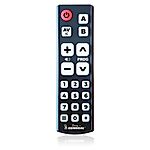
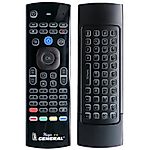
General MAGIC - remote control for SMART TV with keyboard and air-mouse function

Share your device's brand and model, and we'll handle the rest. Our experts will handle the request and your tailored recommendations will be on their way via email.

