



 Contact


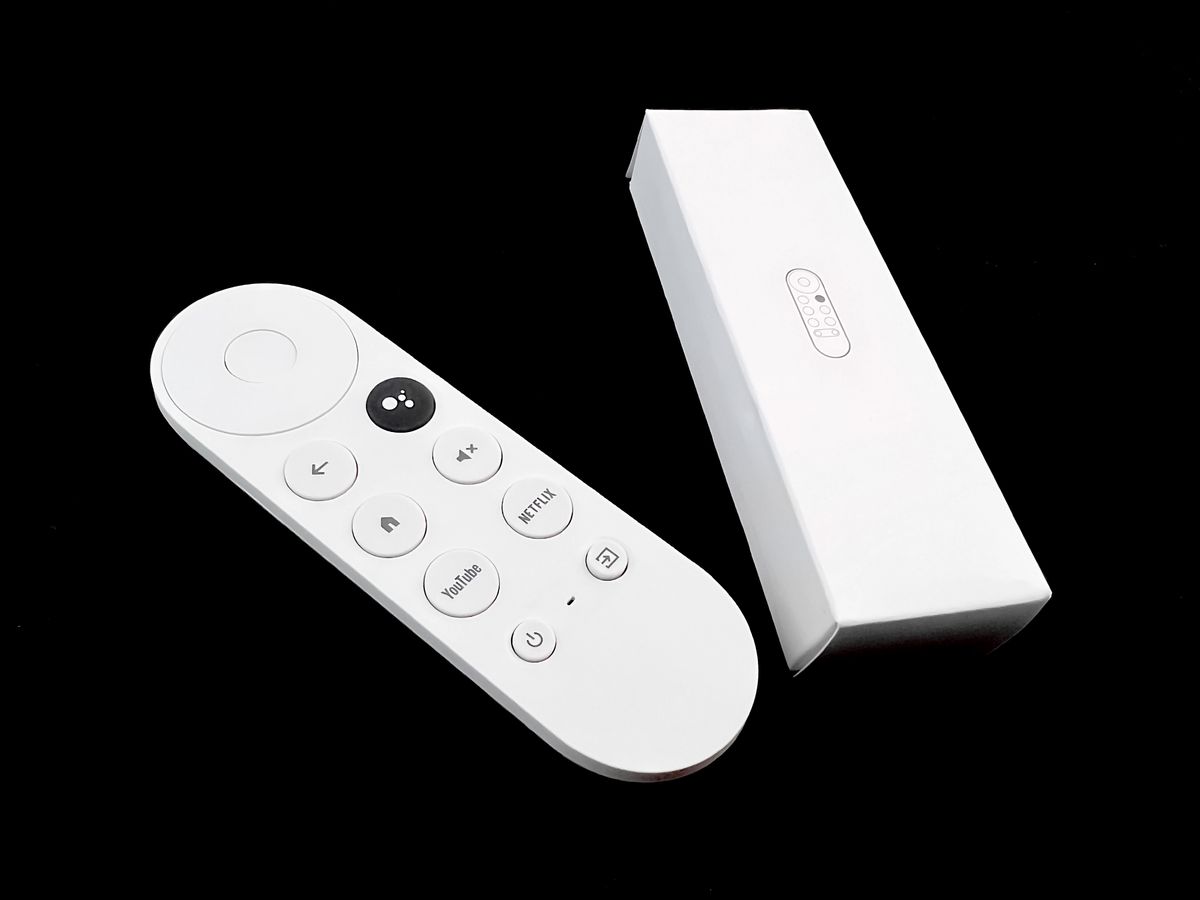
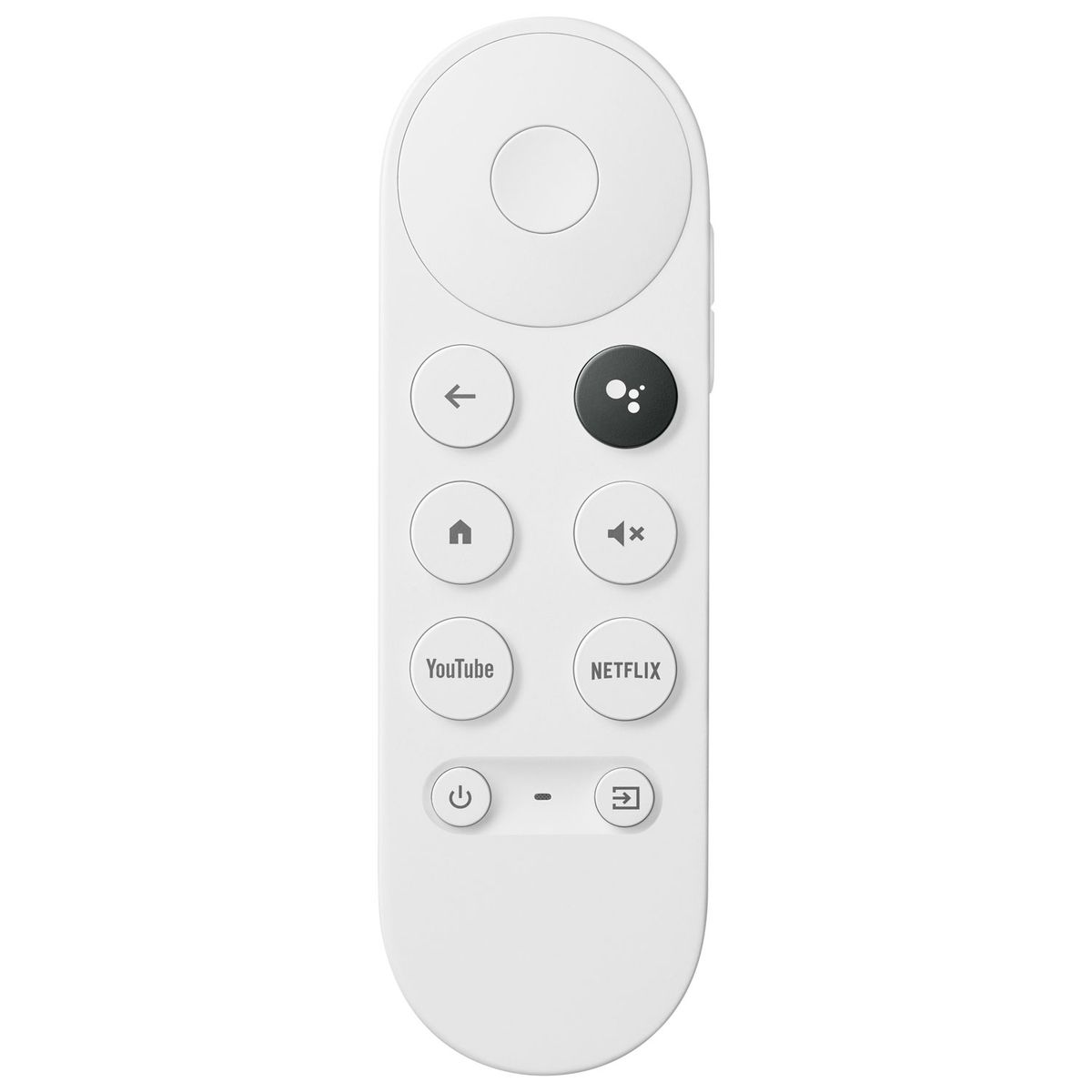
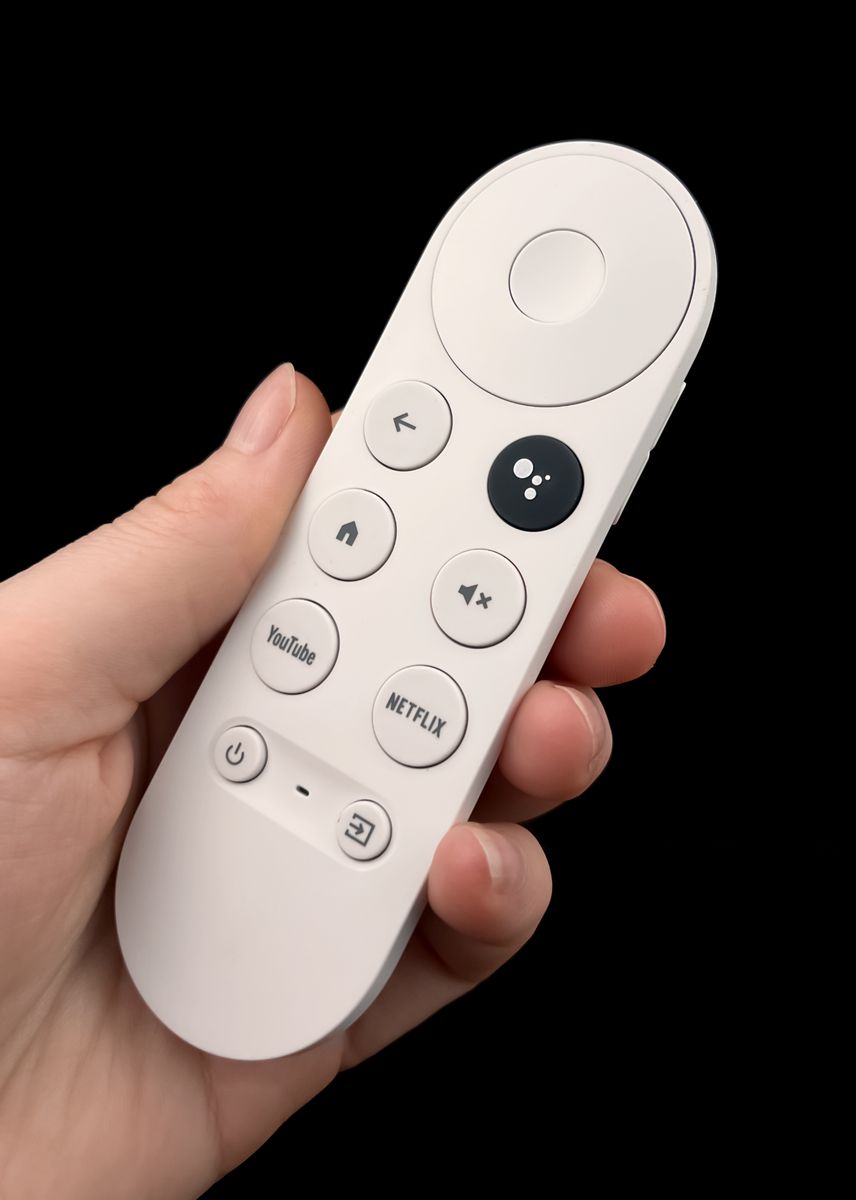
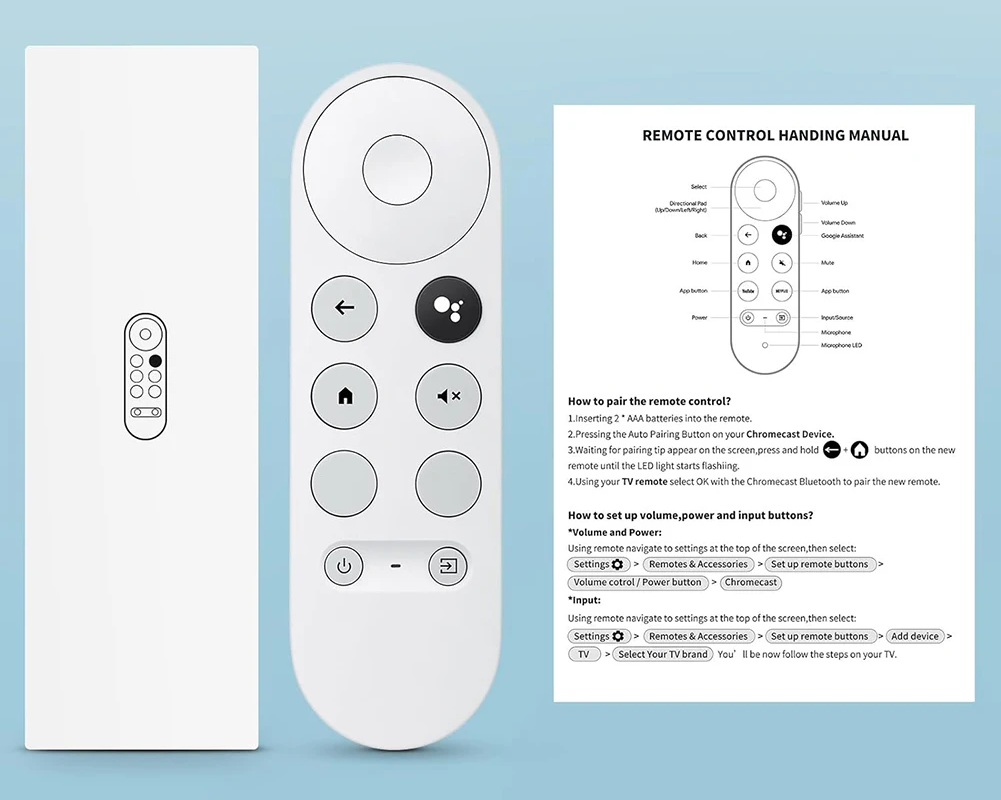
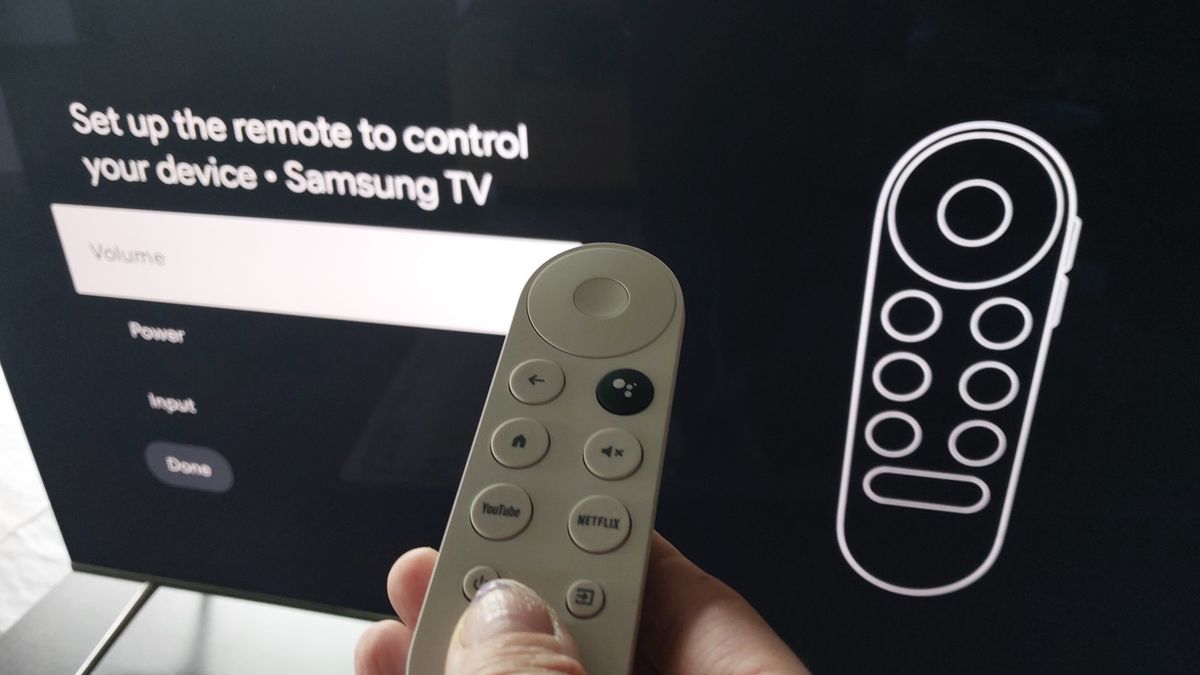
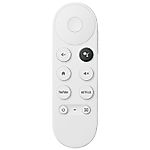
Brand Original remote control G9N9N, GZRNL, Chromecast with Google TV, Google TV HD/4K.
It is intended for these models GOOGLE: CHROMECAST WITH GOOGLE TV (4K), CHROMECAST WITH GOOGLE TV (HD), G454V, GA01409, GA01919, GA01920, GA01923, GA02463, GA02464, GA03131-NL, GOOGLE CHROMECAST, GOOGLE TV STREAMER (4K), GZRNL. (There may not be listed all compatible models. If you are not sure, just tell us your device model (by online chat, email), we will promptly check, verify if compatible with your device. The verified compatibility is guaranteed by us.)
It can be paired with another device, e.g., a television, so that you can control everything with this single remote control
How to set the volume, power, and input buttons?
Volume and Power: Using the remote control, go to the settings at the top of the screen and then select:
Settings > Remote controls and accessories > Set remote control buttons > Volume control / Power button > Chromecast
Input: Settings > Remote controls and accessories > Set remote control buttons > Add device > TV > Select your TV brand. Now you will follow the steps on your TV.
This is a RF (radio) remote control, therefore it needs to be paired with your device (all radio remote controls must be paired). The pairing method is described in the device manual, or we can send you the manual upon request via email.
VOICE CONTROL: YES



 Verified Purchase Heureka Verified Purchase Heureka Verified Purchase Heureka Verified Purchase Heureka Verified Purchase Heureka
  Verified Purchase Heureka
 Verified Purchase Heureka Verified Purchase Heureka
Verified Purchase Heureka
Verified Purchase Heureka Verified Purchase Heureka Verified Purchase Heureka
 Verified Purchase Heureka
 Verified Purchase Heureka
  Verified Purchase Heureka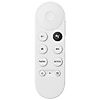







Brand Original remote control G9N9N, GZRNL, Chromecast with Google TV, Google TV HD/4K.
It is intended for these models GOOGLE: CHROMECAST WITH GOOGLE TV (4K), CHROMECAST WITH GOOGLE TV (HD), G454V, GA01409, GA01919, GA01920, GA01923, GA02463, GA02464, GA03131-NL, GOOGLE CHROMECAST, GOOGLE TV STREAMER (4K), GZRNL. (There may not be listed all compatible models. If you are not sure, just tell us your device model (by online chat, email), we will promptly check, verify if compatible with your device. The verified compatibility is guaranteed by us.)
It can be paired with another device, e.g., a television, so that you can control everything with this single remote control
How to set the volume, power, and input buttons?
Volume and Power: Using the remote control, go to the settings at the top of the screen and then select:
Settings > Remote controls and accessories > Set remote control buttons > Volume control / Power button > Chromecast
Input: Settings > Remote controls and accessories > Set remote control buttons > Add device > TV > Select your TV brand. Now you will follow the steps on your TV.
This is a RF (radio) remote control, therefore it needs to be paired with your device (all radio remote controls must be paired). The pairing method is described in the device manual, or we can send you the manual upon request via email.
VOICE CONTROL: YES
Verified Purchase Heureka Verified Purchase Heureka Verified Purchase Heureka Verified Purchase Heureka Verified Purchase Heureka
Verified Purchase Heureka
Verified Purchase Heureka Verified Purchase Heureka Verified Purchase Heureka
Verified Purchase Heureka
Verified Purchase Heureka Verified Purchase Heureka






Featured Products
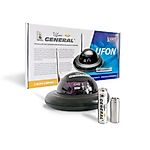
Radio range extender for remote control IR signal integrated in the battery - UFON 433 MHz
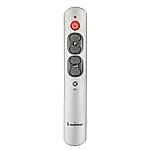
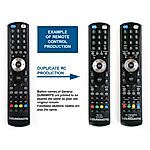
General DUREMOTE 2 tailor made remote control with button printing on demand
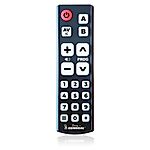
General MAGIC - remote control for SMART TV with keyboard and air-mouse function
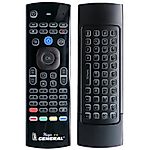

Share your device's brand and model, and we'll handle the rest. Our experts will handle the request and your tailored recommendations will be on their way via email.

