



 Contact


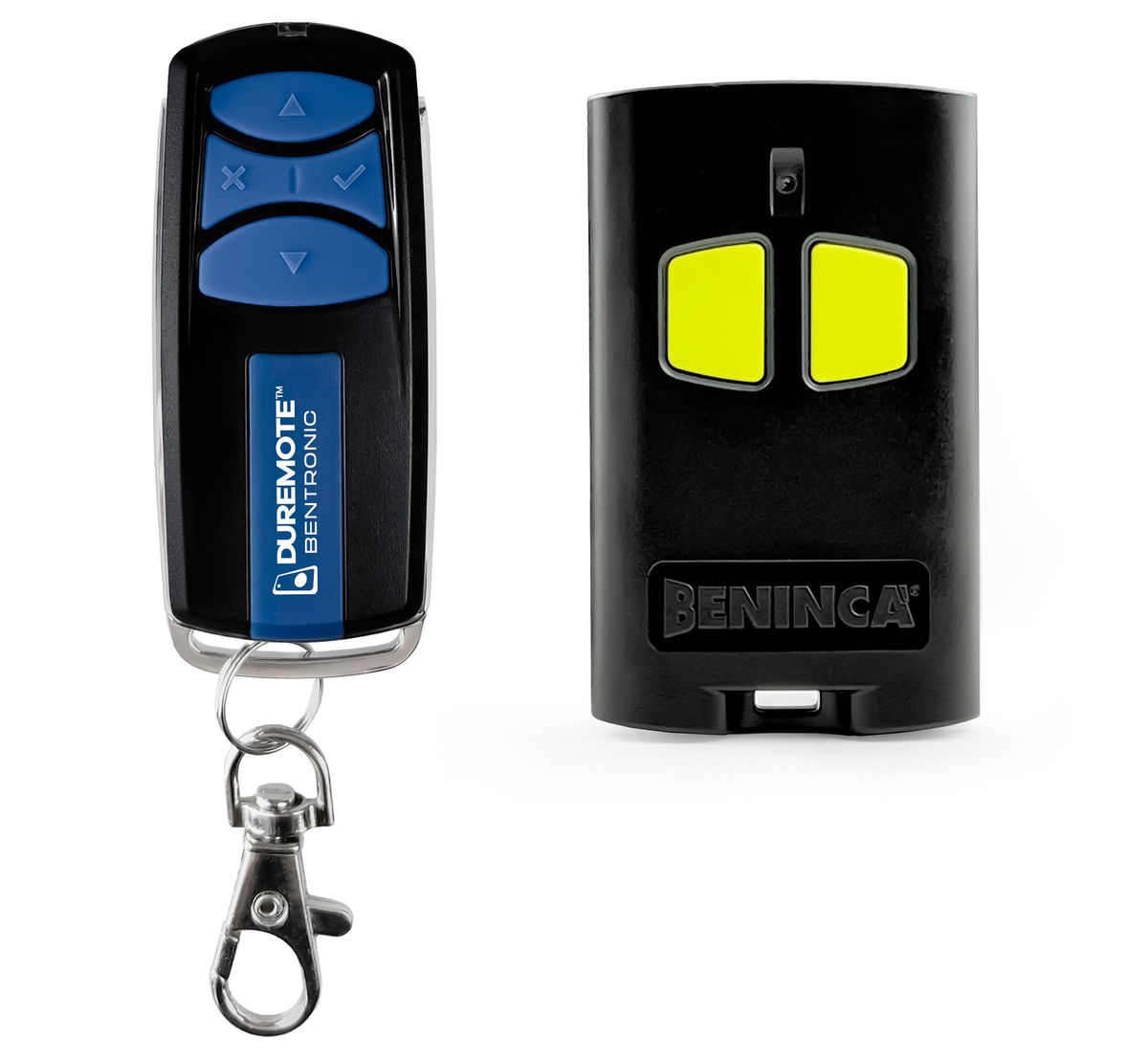
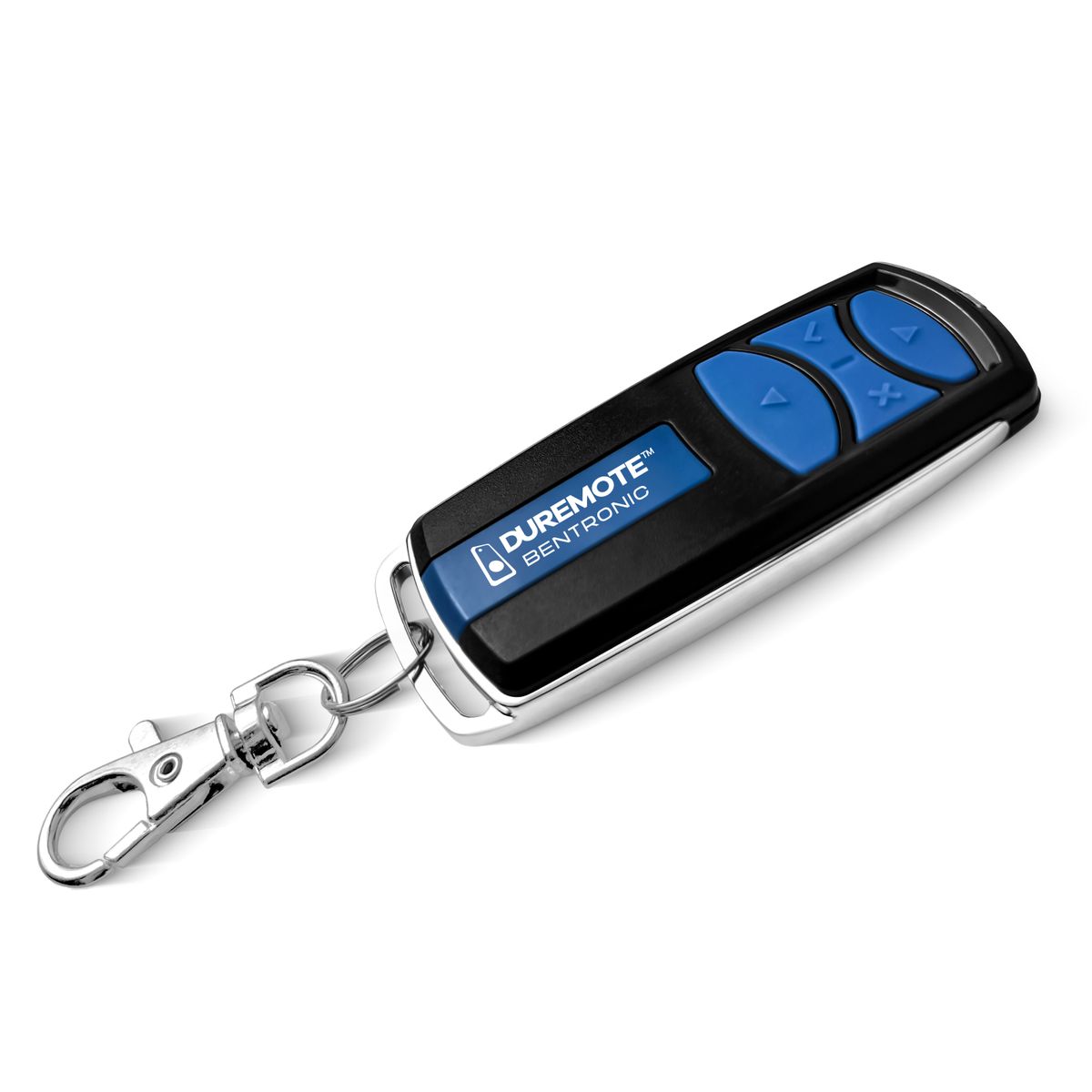
Spare remote controller BENINCA TO.GO2VA - 100% replacement for original remote controller.
It is intended for these models BENINCA: BILL4024M, BULL.5M, BULL424ESA, BULL5M, BULL624TURBO, HEADY, JIM4, JM.3, KBIL40M.P, KBOB21M, KBULL8M.P, KIT, KMS.5P, KPONY.P, MB24/MBE24. (There may not be listed all compatible models. If you are not sure, just tell us your device model (by online chat, email), we will promptly check, verify if compatible with your device. The verified compatibility is guaranteed by us.)
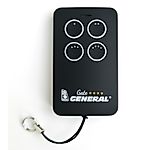
- It is a fully-fledged spare remote controller, shown on the left (It is not „universal“).
- The remote controller is guaranteed for 2 years.
You will receive a remote controller ready to use. The only thing you have to do is register the remote controller to control unit of engine/drive.
REMOTE CONTROL FOR OLD AND NEW CODING (old and new drives).
4-channel remote control, 433.92 MHz, with Advanced Rolling Code (ARC 128 bit) and Rolling Code (HCS 64 bit).
Refined and elegant design made from high-quality materials and a refined finish. The front plastic is scratch-resistant and features a double coating with a metal perimeter frame with a keyring attachment option.
ARC coding guarantees maximum security due to the length of the transmitted code (128 bit) and the high number of possible combinations. The remote is factory set to ARC coding, but it can also be used to change the coding to Rolling Code or a mixed coding (ARC and Rolling Code).
To change the coding type:
- Press and hold buttons X and ✓ simultaneously.
- After about 3 seconds, the LED will start blinking; the number of blinks indicates the currently set code:
- 3 blinks + pause 1 s = ARC mode
- 4 blinks + pause 1 s = ARC + HCS mode*
- 2 blinks + pause 1 s = HCS mode
- If the buttons are held down further (about 20 s), the LED will stay on continuously for 3 s. Releasing the buttons during these 3 s will switch the transmitter to the next mode (3 >> 4 >> 2 >> 3 >> 4 >> ...).
If buttons X and ✓ are released when the LED is not continuously lit, the configuration will not change.
*In this mode, the buttons on the left (▲ and X) are coded ARC and the buttons on the right (✓ and ▼) HCS.
Process of registering remote controller to main unit:
Procedure for registering a remote control in the control unit WITH DISPLAY:
Next to the display there are 3 buttons/micro-switches + / OK / -
- Briefly press (max. 2 seconds) the OK button; the display will light up and show various messages
- Using the + or - buttons, select the command on the display RADIO / rAdi / rAd (one of these three versions will be displayed)
- Confirm the program by briefly pressing the OK button
- The message PP will appear on the display; confirm the function again by briefly pressing OK
- The display will now guide you - PUSh = press and hold the button you need to register in the control unit's memory
- When OK appears on the display, the remote control has been successfully registered
- Now press the + and - buttons simultaneously to exit programming
- Repeat step 7 until the display switches off
Procedure for registering a remote control in the control unit WITHOUT DISPLAY:
- Remove the unit cover.
- Locate the programming button (PGM) on the main circuit board. Press this button for >2 seconds - the LED will light up and remain lit.
- Within 10 seconds, briefly press the button for approximately >3 seconds on the registered remote control.
- The unit will flash to confirm that the remote control has been stored in memory.
- Wait approximately 30 seconds and test the remote control.


 Verified Purchase Heureka
  Verified Purchase Heureka Verified Purchase Heureka Verified Purchase Heureka Verified Purchase Heureka Verified Purchase Heureka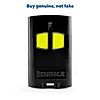
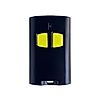







Spare remote controller BENINCA TO.GO2VA - 100% replacement for original remote controller.
It is intended for these models BENINCA: BILL4024M, BULL.5M, BULL424ESA, BULL5M, BULL624TURBO, HEADY, JIM4, JM.3, KBIL40M.P, KBOB21M, KBULL8M.P, KIT, KMS.5P, KPONY.P, MB24/MBE24. (There may not be listed all compatible models. If you are not sure, just tell us your device model (by online chat, email), we will promptly check, verify if compatible with your device. The verified compatibility is guaranteed by us.)
- It is a fully-fledged spare remote controller, shown on the left (It is not „universal“).
- The remote controller is guaranteed for 2 years.
You will receive a remote controller ready to use. The only thing you have to do is register the remote controller to control unit of engine/drive.
REMOTE CONTROL FOR OLD AND NEW CODING (old and new drives).
4-channel remote control, 433.92 MHz, with Advanced Rolling Code (ARC 128 bit) and Rolling Code (HCS 64 bit).
Refined and elegant design made from high-quality materials and a refined finish. The front plastic is scratch-resistant and features a double coating with a metal perimeter frame with a keyring attachment option.
ARC coding guarantees maximum security due to the length of the transmitted code (128 bit) and the high number of possible combinations. The remote is factory set to ARC coding, but it can also be used to change the coding to Rolling Code or a mixed coding (ARC and Rolling Code).
To change the coding type:
- Press and hold buttons X and ✓ simultaneously.
- After about 3 seconds, the LED will start blinking; the number of blinks indicates the currently set code:
- 3 blinks + pause 1 s = ARC mode
- 4 blinks + pause 1 s = ARC + HCS mode*
- 2 blinks + pause 1 s = HCS mode
- If the buttons are held down further (about 20 s), the LED will stay on continuously for 3 s. Releasing the buttons during these 3 s will switch the transmitter to the next mode (3 >> 4 >> 2 >> 3 >> 4 >> ...).
If buttons X and ✓ are released when the LED is not continuously lit, the configuration will not change.
*In this mode, the buttons on the left (▲ and X) are coded ARC and the buttons on the right (✓ and ▼) HCS.
Process of registering remote controller to main unit:
Procedure for registering a remote control in the control unit WITH DISPLAY:
Next to the display there are 3 buttons/micro-switches + / OK / -
- Briefly press (max. 2 seconds) the OK button; the display will light up and show various messages
- Using the + or - buttons, select the command on the display RADIO / rAdi / rAd (one of these three versions will be displayed)
- Confirm the program by briefly pressing the OK button
- The message PP will appear on the display; confirm the function again by briefly pressing OK
- The display will now guide you - PUSh = press and hold the button you need to register in the control unit's memory
- When OK appears on the display, the remote control has been successfully registered
- Now press the + and - buttons simultaneously to exit programming
- Repeat step 7 until the display switches off
Procedure for registering a remote control in the control unit WITHOUT DISPLAY:
- Remove the unit cover.
- Locate the programming button (PGM) on the main circuit board. Press this button for >2 seconds - the LED will light up and remain lit.
- Within 10 seconds, briefly press the button for approximately >3 seconds on the registered remote control.
- The unit will flash to confirm that the remote control has been stored in memory.
- Wait approximately 30 seconds and test the remote control.
Verified Purchase Heureka
Verified Purchase Heureka Verified Purchase Heureka Verified Purchase Heureka Verified Purchase Heureka Verified Purchase Heureka





Featured Products
Radio range extender for remote control IR signal integrated in the battery - UFON 433 MHz
General DUREMOTE 2 tailor made remote control with button printing on demand
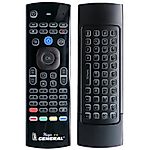
General MAGIC - remote control for SMART TV with keyboard and air-mouse function

Share your device's brand and model, and we'll handle the rest. Our experts will handle the request and your tailored recommendations will be on their way via email.

