



 Contact


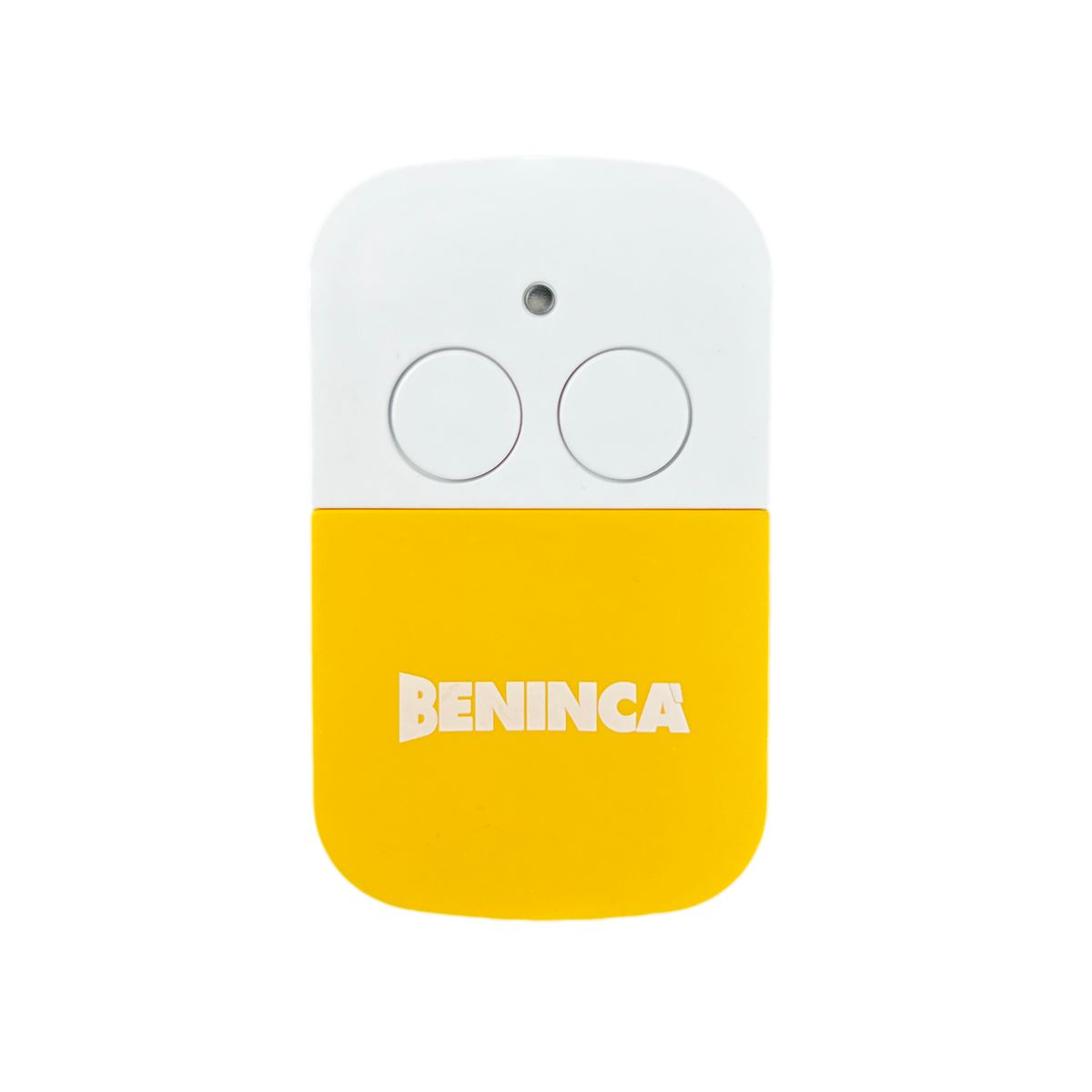
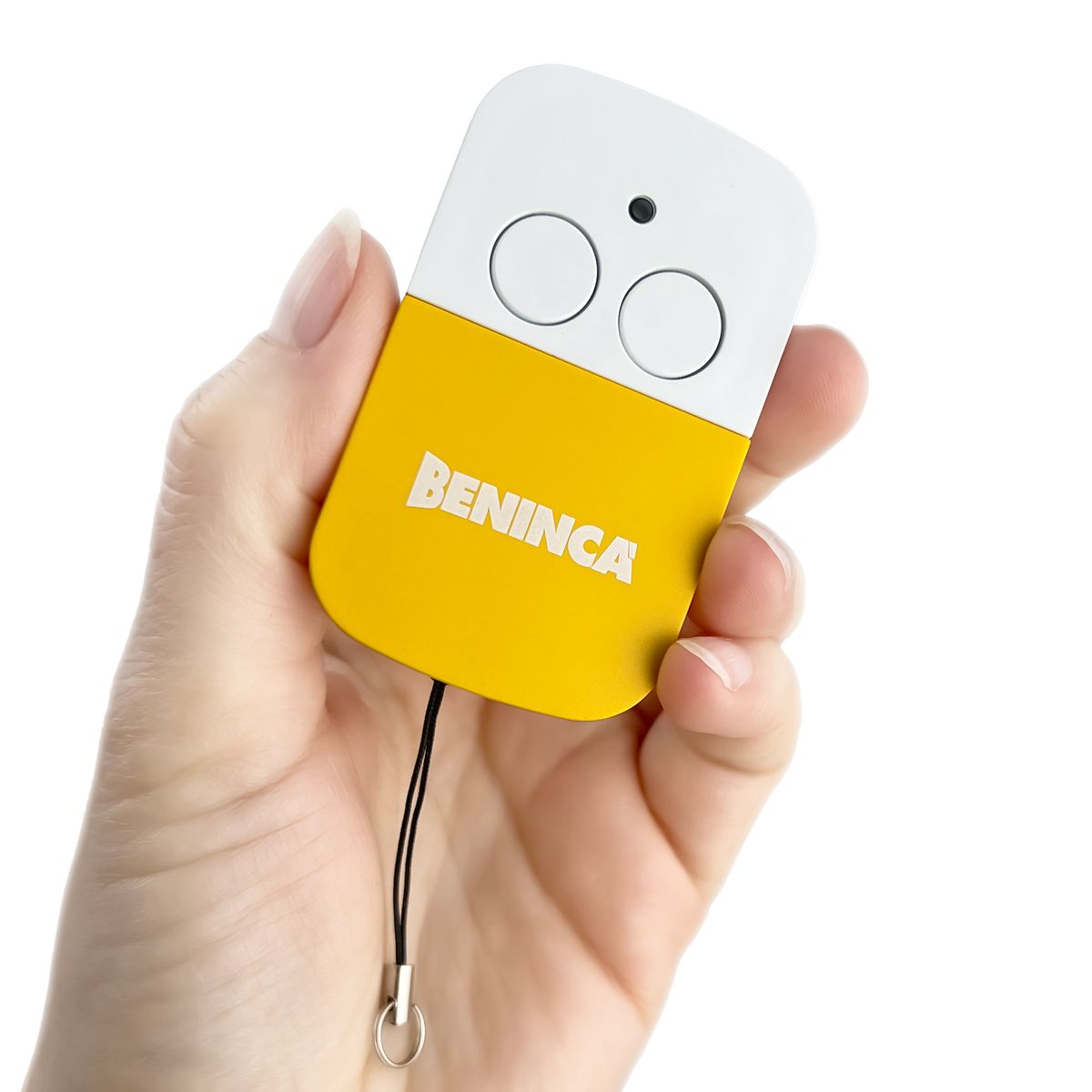
Brand Original remote control BENINCA HAPPY.2VA Yellow.
It is intended for these models BENINCA: BILL4024M, BULL.5M, BULL424ESA, BULL5M, BULL624TURBO, HEADY, JIM4, JM.3, KBIL40M.P, KBOB21M, KBULL8M.P, KIT, KMS.5P, KPONY.P, MB24/MBE24, ONE.2WB. (There may not be listed all compatible models. If you are not sure, just tell us your device model (by online chat, email), we will promptly check, verify if compatible with your device. The verified compatibility is guaranteed by us.)
Fully replaces these remote controls: TOGO, TOGO4, Atmosfera 2K, Atmosfera 4K a CUPIDO
Technical details:- Frequency: 433,92 MHz
- Code type: Rolling (64 bit) / ARC 128bit
- Battery: 1x 12V Alkaline, type 23AF
- Dimensions: 68 x 40 x 15 mm
- Operating temperature range: -20 °C to +55 °C
SELECTION OF CODING TYPE (TO.GO/HAPPY VA)
The VA series remote controls (TO.GO VA and HAPPY VA) can operate in HCS mode (Benincà Rolling-code) or ARC mode (Advanced Rolling-code). This allows transmitters to be used on systems equipped with HCS receivers. The transmitter is factory set to ARC mode.
To change the code type:
- Press and hold buttons T1 and T2 simultaneously.
- After about 3 seconds, the LED will start to blink; the number of blinks indicates the currently set code:
- 3 blinks + 1s pause = ARC mode
- 4 blinks + 1s pause = ARC + HCS mode*
- 2 blinks + 1s pause = HCS mode
- Continuing to hold the buttons (about 20 seconds) will cause the LED to light up steadily for 3 seconds. Releasing the buttons during these 3 seconds will switch the transmitter to the next mode (3 >> 4 >> 2 >> 3 >> 4 >> ...).
If the T1/T2 buttons are released when the LED is not lit steadily, the configuration will not change.
*In this mode, the keys on the left (1 and 3) are coded as ARC and the keys on the right (2 and 4) as HCS.
This is a ORIGINAL RF (radio) remote control for gates and garage doors with a floating (rolling) code. A new remote control needs to be registered with the memory of the control unit. The pairing method is described in the device manual, or we can send you the manual upon request via email.
This remote control is out of the stock now. For detailed information please contact us.









Brand Original remote control BENINCA HAPPY.2VA Yellow.
It is intended for these models BENINCA: BILL4024M, BULL.5M, BULL424ESA, BULL5M, BULL624TURBO, HEADY, JIM4, JM.3, KBIL40M.P, KBOB21M, KBULL8M.P, KIT, KMS.5P, KPONY.P, MB24/MBE24, ONE.2WB. (There may not be listed all compatible models. If you are not sure, just tell us your device model (by online chat, email), we will promptly check, verify if compatible with your device. The verified compatibility is guaranteed by us.)
Fully replaces these remote controls: TOGO, TOGO4, Atmosfera 2K, Atmosfera 4K a CUPIDO
Technical details:- Frequency: 433,92 MHz
- Code type: Rolling (64 bit) / ARC 128bit
- Battery: 1x 12V Alkaline, type 23AF
- Dimensions: 68 x 40 x 15 mm
- Operating temperature range: -20 °C to +55 °C
SELECTION OF CODING TYPE (TO.GO/HAPPY VA)
The VA series remote controls (TO.GO VA and HAPPY VA) can operate in HCS mode (Benincà Rolling-code) or ARC mode (Advanced Rolling-code). This allows transmitters to be used on systems equipped with HCS receivers. The transmitter is factory set to ARC mode.
To change the code type:
- Press and hold buttons T1 and T2 simultaneously.
- After about 3 seconds, the LED will start to blink; the number of blinks indicates the currently set code:
- 3 blinks + 1s pause = ARC mode
- 4 blinks + 1s pause = ARC + HCS mode*
- 2 blinks + 1s pause = HCS mode
- Continuing to hold the buttons (about 20 seconds) will cause the LED to light up steadily for 3 seconds. Releasing the buttons during these 3 seconds will switch the transmitter to the next mode (3 >> 4 >> 2 >> 3 >> 4 >> ...).
If the T1/T2 buttons are released when the LED is not lit steadily, the configuration will not change.
*In this mode, the keys on the left (1 and 3) are coded as ARC and the keys on the right (2 and 4) as HCS.
This is a ORIGINAL RF (radio) remote control for gates and garage doors with a floating (rolling) code. A new remote control needs to be registered with the memory of the control unit. The pairing method is described in the device manual, or we can send you the manual upon request via email.
This remote control is out of the stock now. For detailed information please contact us.






Featured Products
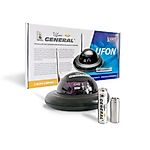
Radio range extender for remote control IR signal integrated in the battery - UFON 433 MHz
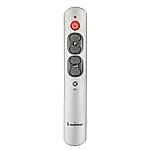
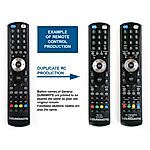
General DUREMOTE 2 tailor made remote control with button printing on demand
General MAGIC - remote control for SMART TV with keyboard and air-mouse function

Share your device's brand and model, and we'll handle the rest. Our experts will handle the request and your tailored recommendations will be on their way via email.

